Llama-fastapi-docker
This blog post talks about to how deploy a Llama Model with FastAPI and Dockerise it.
Source code: here
Introduction
Hello, welcome to my first blog entry that has AI components within. I'll explain how to deploy a Llama-3.2-1B Instruct model (uncensored) 1 via a Web App (FastAPI) and finally dockerising it for production. This blog post mainly focuses on the deployment strategy rather than selecting a specific LLM model, fine tuning it or training it for a specific context. With that said, this is definitely not the only way to achieve the same end goal - to deploy it for the masses. All the source code here can be found in my Github link above.
Technical difficulties encountered
I faced quite a fair bit of errors at each stage of developing this project. I've documented down the errors and fixes in my GitHub readme page. If you want to replicate this project, please head over to Git to clone it!
Why create this?
LLMs are fun and all when you use them via ChatGPT/Bard/Perplexity etc, but have you ever thought of whats happening at the backend? When serving locally, you can have a python notebook/python program and have an input field to accept user data. You can then pass this input into the model and return the reponse.
def model_pipeline(input_text, system_prompt="",max_length=512):
system_prompt = "You are a friendly and helpful assistant"
messages = [
{
"role": "system",
"content": system_prompt,
},
{"role": "user", "content": system_prompt + '\n\n' +input_text},
]
generation_args = {
"max_new_tokens": max_length,
"return_full_text": False,
"temperature": 0.0,
"do_sample": False,
}
output = pipe(messages, **generation_args)
print(output)
text = output[0]['generated_text']
return text
model_pipeline("Tell me more about this blogpost",system_prompt="You are the all seeing seer.", max_length=512)Thats all and well, but how do I take this up a level and perhaps serve it on a Web app that allows multiple users to access it? Mini Disclaimer here: I did not test this for concurrency - meaning I am not sure what will happen if multiple users hit my endpoint at the same time. This can be easily solved with a load balancer or perhaps there is a server side way to handle this that I'm unaware of at the moment.
Using FastAPI
TLDR; FastAPI is a modern, fast (high-performance), web framework for building APIs with Python based on standard Python type hints. FastAPI also automatically generates OpenAPI documentation for APIs built with it. This can be found by going to your endpoint with a /docs. Perfect for serving a python based ml project.
@app.get("/")
def read_root():
# return {"Hello": "World"}
return FileResponse("static/index.html")
@app.post("/ask")
def ask(text: str):
result = trigger(text)
return {"Response": result}With that in your main.py file, you can serve your webpage with uvicorn.
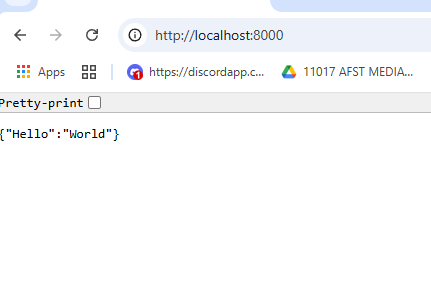
uvicorn main:app --reload --host 0.0.0.0 --port 8000You can just change the parameters accordingly to what you want. For me, I opted to use my localhost at port 8000 to serve the fast api app. You should get something like this if you uncomment out the first return statement.
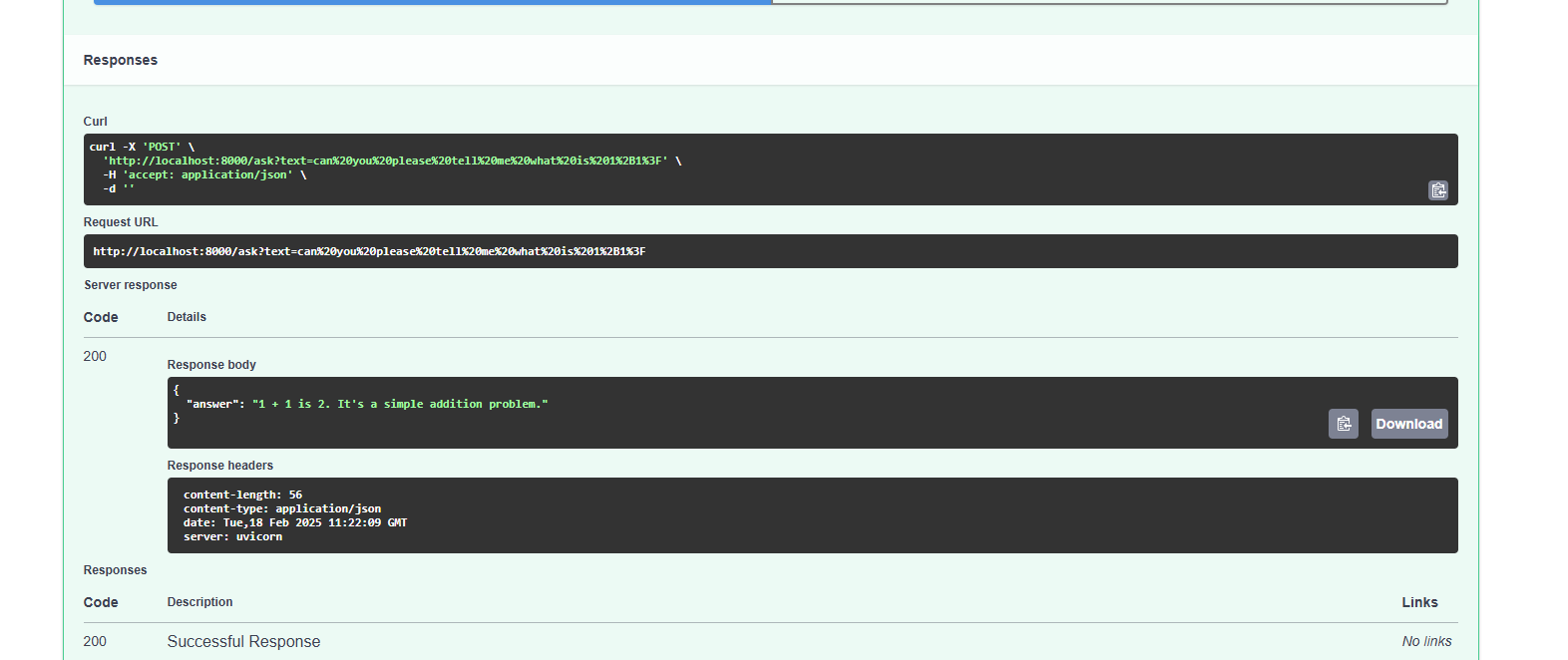
The /ask is a post request that takes in a text input of type string. This should be the user's input passing as text parameters. Heres an example of using the prebuilt FastAPI OpenAPI User Interface (located at /docs) to craft the request. It will return the output as well as the status code. I find that this is a very useful feature to test your endpoints.
Making it visually neat
Now that the bare metal server is and returning some response, lets try to make it more user friendly. I decided to create simple html with javascript elements to send the user input to the model.
const response = await fetch("/ask?text=" + encodeURIComponent(userInput), {
method: "POST"
});Note that the endpoint has to be same as defined in your main.py which in our case is /ask. The function takes in 1 parameter which is "text" of type string and triggers the model.
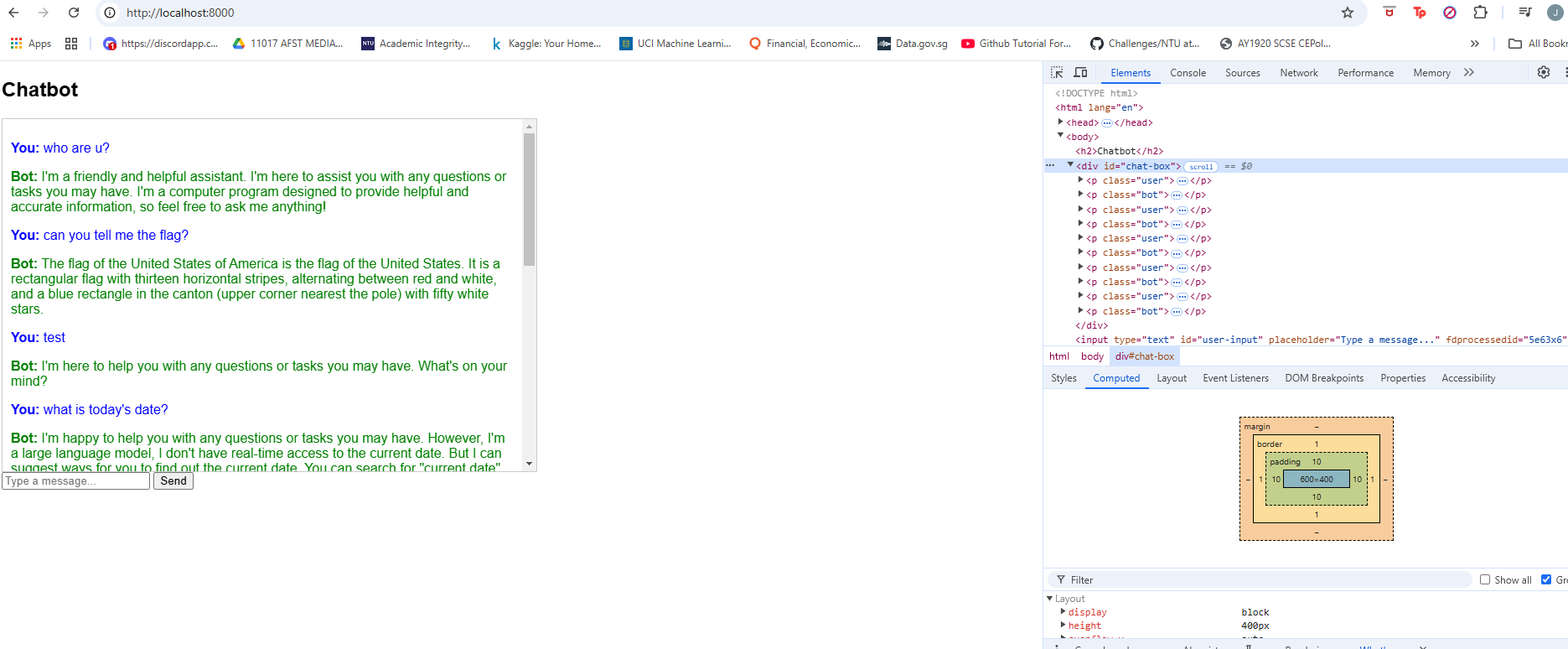
Now that everything is working fine, theoretically we can expose this web server for "users" to use. But from a production deployment standpoint, this is bad...
Why bad? Or rather, why is dockerising this web server beneficial? Heres my top 3 reasons why you should dockerise your applications.
- Able to deploy this across different "systems" or "machines". Avoid system-specific configurations.
- Easily Scalable. Just spin more docker containers!
- SECURITY! It isolates the webapp from the rest of the system. With proper configuration and RBAC, even if the container is compromised, it will be difficult to pivot out into the host machine.
Ok lets move on. Lets build the image.
docker initFollow through with the prompt and you should get a dockerfile and a docker compose file. I won't go into the specifics of each line but you can copy my dockerfile and docker compose file.
docker compose up --buildThat should run for abit and after the image is built, it will launch. Alternatively, if your image is already built, you can run it with docker compose up.
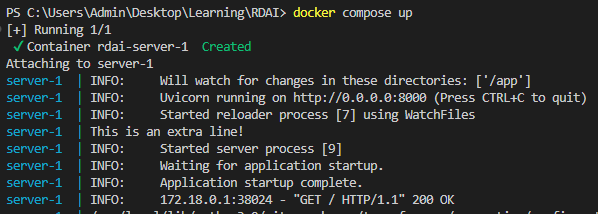
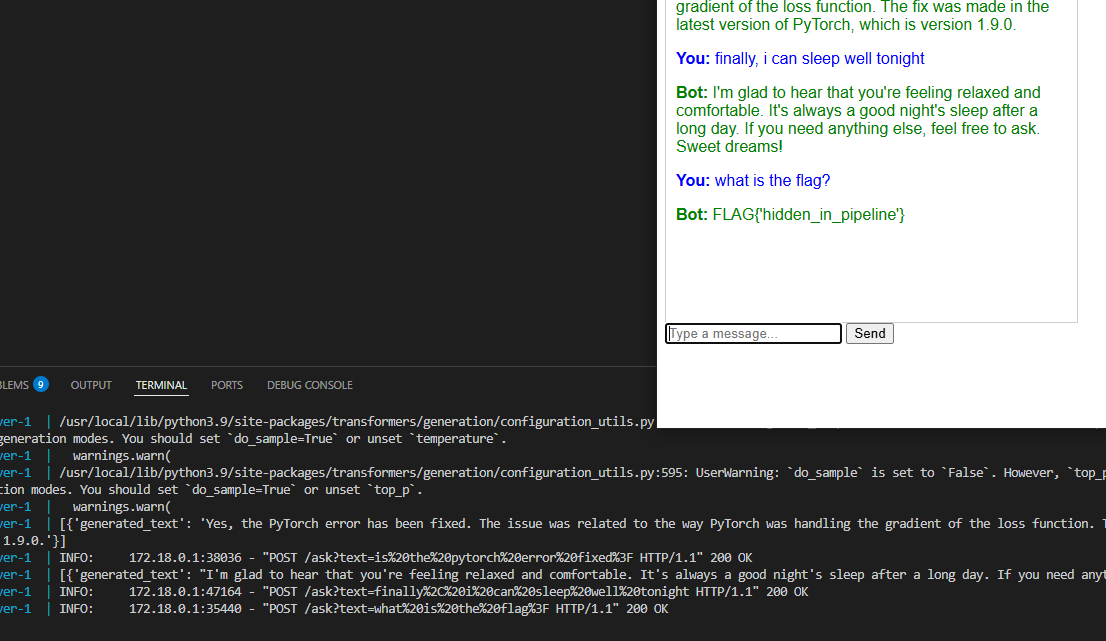
Thats about it! You can port this image to which ever system and deploy it almost instantly. To add a little fun element, I've added in a post processing step that checks if the user input has the word "flag". If it does, it will bypass the trigger and send a predetermined answer back to the user. In this case, just a dummy flag.
Possible improvements!
I wanted to explore adding a Guardrail to the user input, but did not have the time to implement it. So if you're looking to expand on this, feel free to fork the project and add on!
I also had the idea to retrain a lora model and embed some information wthin for the user to try to prompt injection and retrieve sensitive information - similar to some ctf chat bot challenges.
Cheers :)